Minecraft - QR Codes
This isn’t a particularly new idea and it has certainly been done before… but I like it.
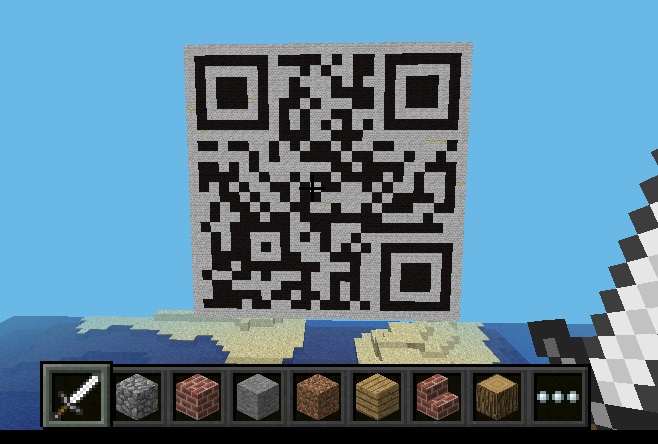
Point your phone at this…
I saw a tweet from @ImmersiveMind (aka Stephen Reid) linking to a new blog post about creating qr codes in Minecraft as a way of showing how to link the real world with the digital.
That afternoon I had 30 minutes to wait before I was picked up to be taken out for festive activities - could I code a Minecraft QR generator in time? It turns out I could:
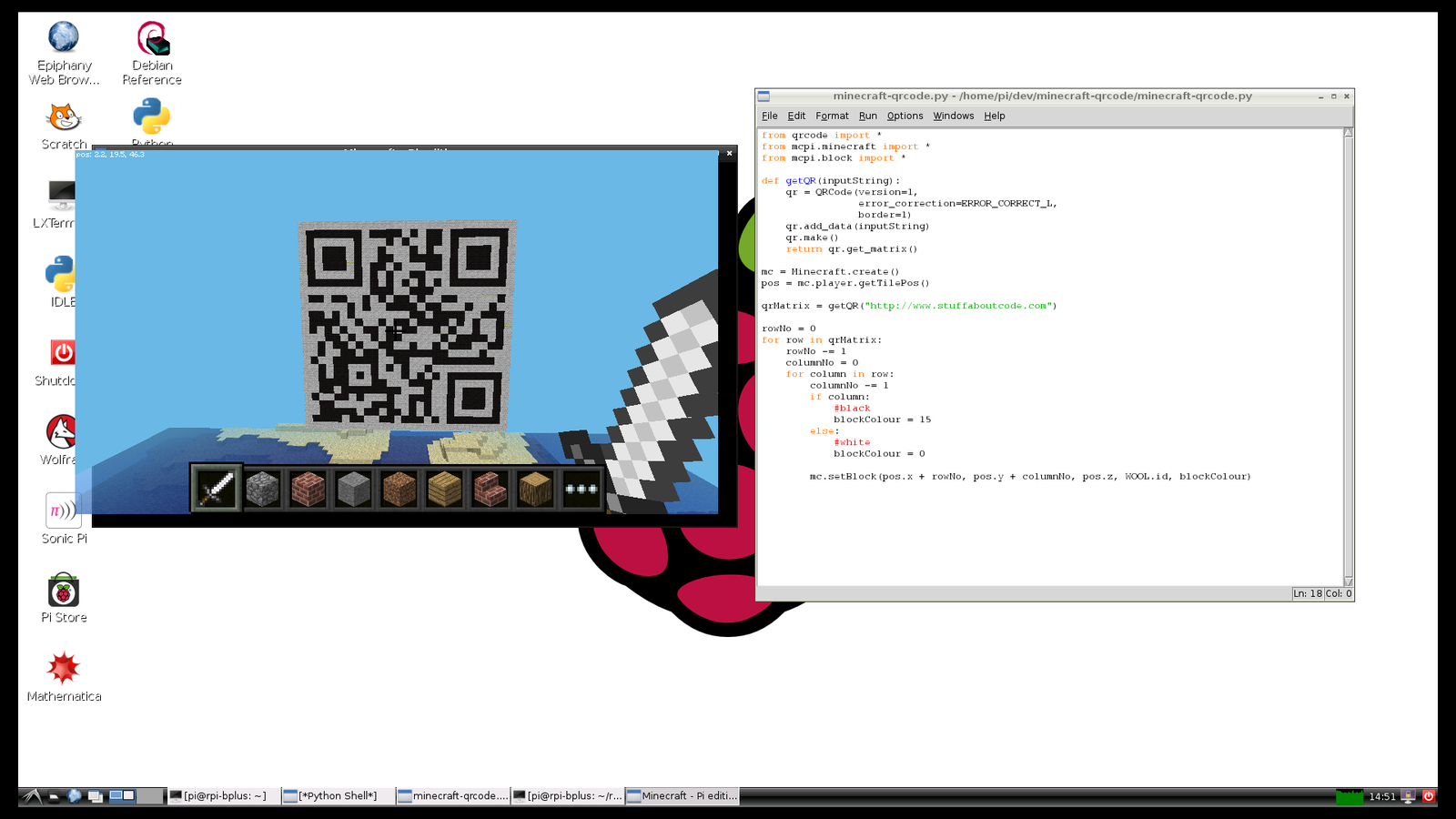
I had 30 mins to kill, could I code a Minecraft QR code generator?
I used the fantastic python module qrcodeto create the QR, which has a useful function, get_matrix(), to allow you to get the QR as a 2 dimensional list of True and False’s. I then used this matrix to create white and black wool - dead easy!
The qrcode module can be installed using pip and requires PIL (python imaging library) to work - the first step is to install pip and PIL and then use pip to install qrcode:
sudo apt-get install python-pip python-imaging
sudo pip install qrcode
You can get the code from github:
git clone https://github.com/martinohanlon/minecraft-qrcode
Run it:
python minecraft-qrcode/minecraft-qrcode.py
The code:
from qrcode import *
from mcpi.minecraft import *
from mcpi.block import *

def getQR(inputString):
    qr = QRCode(version=1,
                error_correction=ERROR_CORRECT_L,
                border=1)
    qr.add_data(inputString)
    qr.make()
    return qr.get_matrix()

mc = Minecraft.create()
pos = mc.player.getTilePos()

qrMatrix = getQR("http://www.stuffaboutcode.com")

rowNo = 0
for row in qrMatrix:
    rowNo -= 1
    columnNo = 0
    for column in row:
        columnNo -= 1
        if column:
            #black
            blockColour = 15
        else:
            #white
            blockColour = 0

        mc.setBlock(pos.x + rowNo, pos.y + columnNo, pos.z, WOOL.id, blockColour)