Python, MPD and Volumio
I’m building a Raspberry Pi powered vintage radio, by stripping out all the gubbings and add a raspberry pi, IQAudio DAC & Amp.
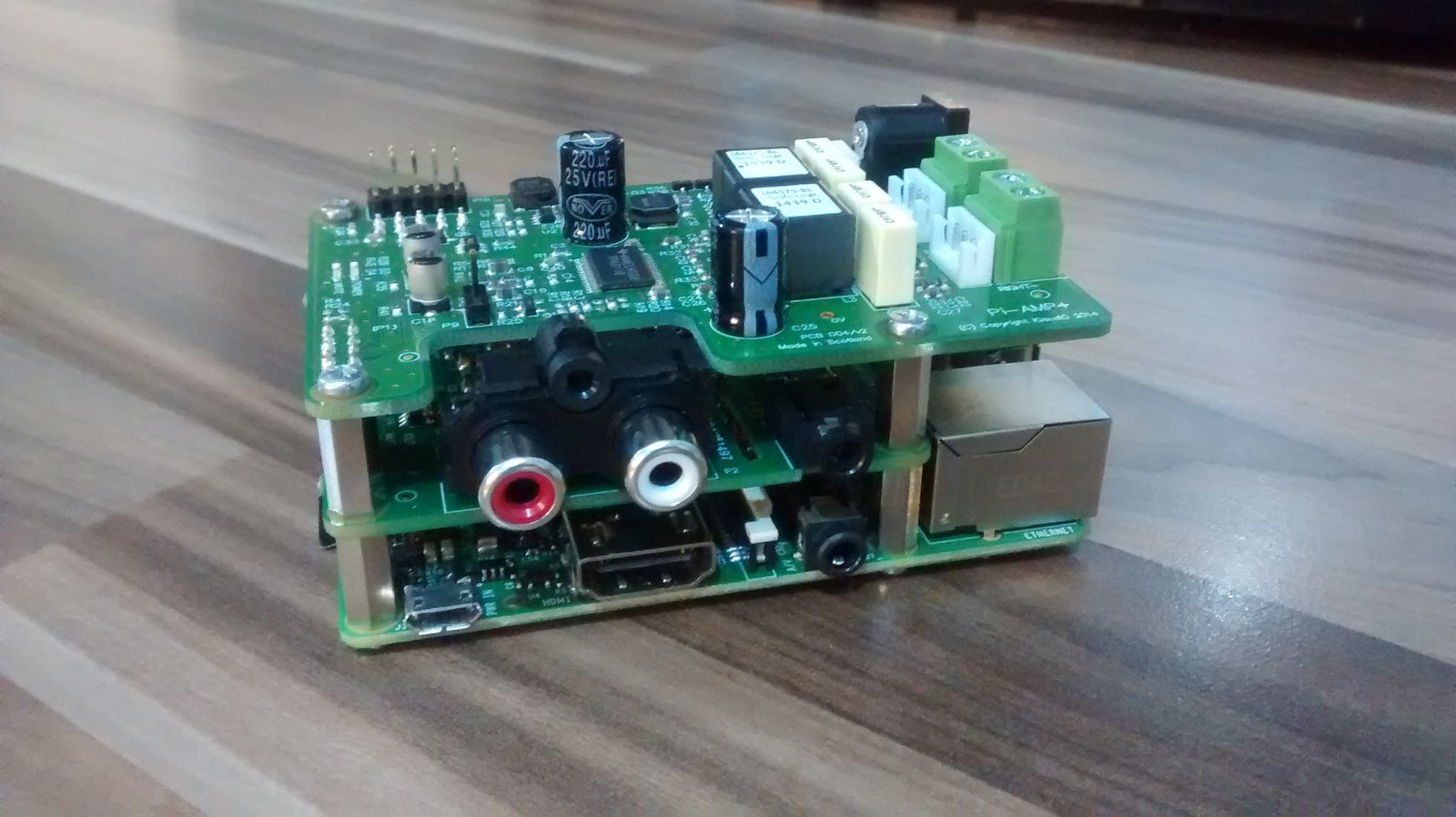
I’m going to use Volumio to provide the music player and UI, but in order to get the existing buttons on the radio working I need to interact with MPD (Music Player Daemon) which is the server software which makes it all work.
There is a python library called python-mpd2 [code] which provides an api for communicating with MPD, its pretty easy to use and it allows you to do things such as change the volume, play, pause, stop, skip tracks, change playlists, search for music, etc.
Install python-mpd2
I found that I need to install python’s “setup tools” when using the volumio image:
wget https://bootstrap.pypa.io/ez_setup.py -O - | sudo python
Once setup tools is installed you can download python-mpd2 and install it:
git clone git://github.com/Mic92/python-mpd2.git
cd python-mpd2
sudo python setup.py install
Usage
The python-mpd2 module is pretty easy to use, its effectively a python client for the MPD server. The first steps are to import it, create the MPDClient and connect to the server.
from mpd import MPDClient
client = MPDClient()
#to connect to MPD you need to know the IP address and port
client.connect("localhost", 6600)
Once you are connected you can use the client to issue commands to the MPD server, such as pulling back the current status and the current version.
print(client.status())
print(client.mpd_version)
Some useful other mpd-python2 functions are:
#set the volume between 0 and 100
client.setvol(100)

#play song at certain position
client.play(1)

#pause and resume playback
client.pause(0)
client.pause(1)

#skip to the next or previous track
client.next()
client.previous()

#clear current playlist and load a new one
client.playlistclear()
client.load("nameofyourplaylist")
Here is a complete list of mpd-python2 commands.