Raspberry Pi - get_iplayer install, download from BBC iPlayer
Anyway, my Raspberry Pi has turned up! I haven’t been this excited since I went to get my Amiga.
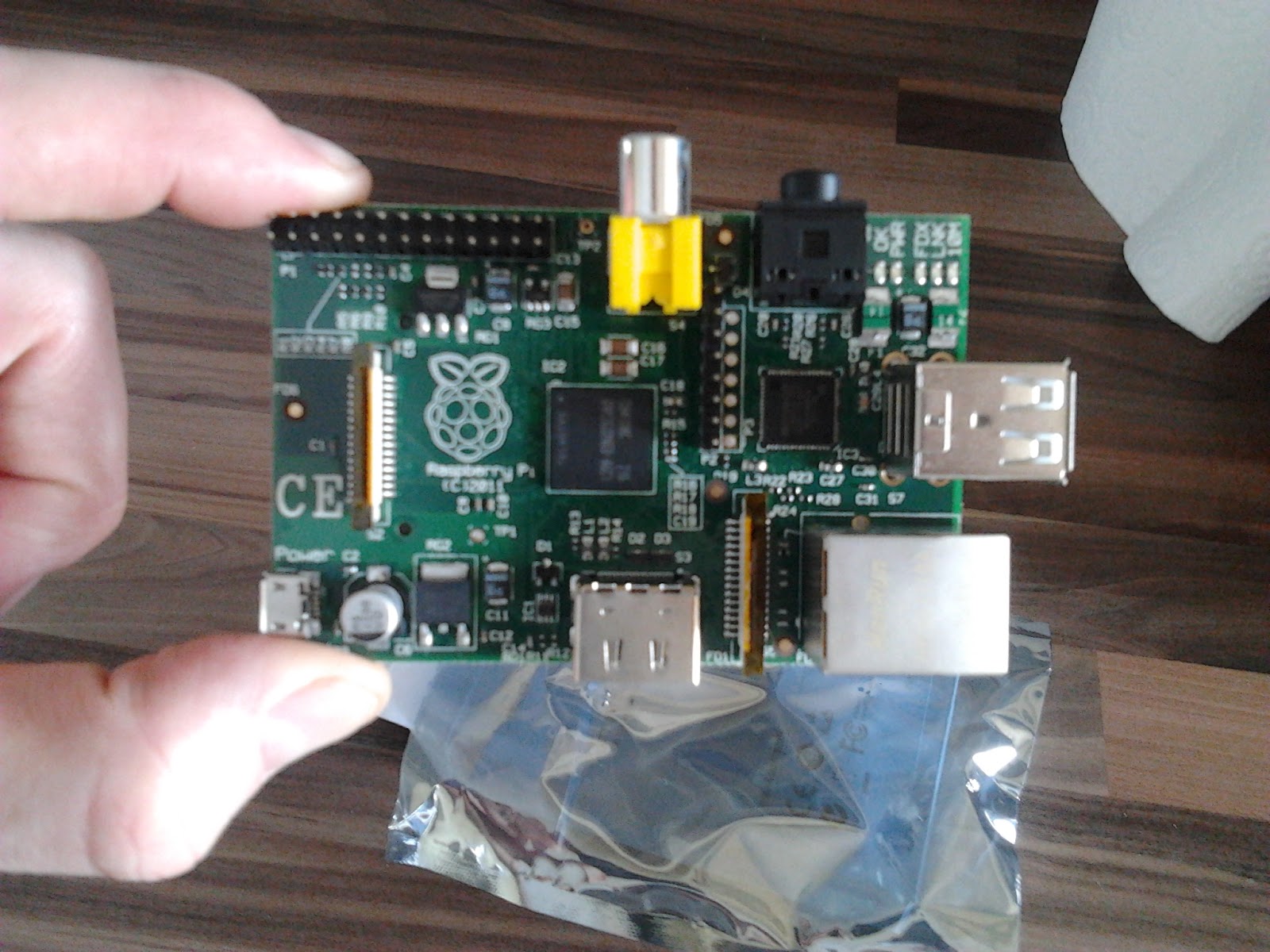
I’ve got a plan to use the Pi as a low power, always on device, which will download the latest tv & radio shows from BBC iPlayer so I can watch / listen later.
There is a great open source project called get_iplayer for downloading feeds from BBC iPlayer, so when I first unwrapped it, getting this installed was my first challenge.
I am using the Debian Squeeze distro (19-04-2012), so this info is only appropriate to that OS, if your running something different, your on your own!
Download & extract get_iplayer
First I headed over to ftp://ftp.infradead.org/pub/get_iplayer/ to the latest version of the get_iplayer application, downloading it onto my Pi using:
sudo wget ftp://ftp.infradead.org/pub/get_iplayer/get_iplayer-2.94.tar.gz
Once I had got get_iplayer-2.94.tar.gz into a directory I needed to decompress it using gzip.
sudo gzip -d get_iplayer-2.94.tar.gz
This left me with get_iplayer-2.82.tar, which I then needed to extract using tar.
sudo tar -xf get_iplayer-2.94.tar
This created a directory called get_iplayer-2.94, which contained the get_iplayer application.
cd get_iplayer-2.94
I then made get_iplayer executable and writeable.
sudo chmod 755 get_iplayer
sudo chmod 777 get_iplayer
get_iplayer is a perl application and as well as extracting the application I also needed to install an additional perl module and some other tools, all of which are available using apt-get.
Install perl module libwww-perl
sudo apt-get install libwww-perl
Install perl module XML::Simple
wget ftp://ftp.cpan.org/pub/CPAN/authors/id/G/GR/GRANTM/XML-Simple-2.20.tar.gz
tar -zxvf XML-Simple-2.20.tar.gz
cd XML-Simple-2.20
perl Makefile.PL
make
make test
sudo make install
Install rtmpdump
sudo apt-get install rtmpdump
Install flvstreamer
sudo apt-get install flvstreamer
Install ffmpeg
sudo apt-get install ffmpeg
Run get_iplayer
And that was it, I was now able to run get_iplayer; make sure your in the get_iplayer directory and run:
sudo ./get_iplayer
The first 2 times you run get_iplayer it might download plug-ins and the latest lists from BBC iPlayer.
SWF Verification In June 2013, BBC iPlayer changed to use SWF Verification (see this post for more information), If you haven’t already you need to setup the certificate by running.
sudo ./get_iplayer --prefs-add --rtmp-tv-opts="--swfVfy http://www.bbc.co.uk/emp/releases/iplayer/revisions/617463_618125_4/617463_618125_4_emp.swf"
Search for a program
Run get_iplayer passing a search parameter (e.g. News).
sudo ./get_iplayer News
Download a program
Note the programme Id returned in the search and pass this to get_iplayer using the –get command.
sudo ./get_iplayer --get 123
get_iplayer has lots of other functions, such as basic PVR capabilities, check out the documentation on the get_iplayer site for more info. There is also a readme file in the get_iplayer directory which includes some instructions on its use.
Update
- for more information about setting up get_iplayer and running it, see post http://stuffaboutcode.blogspot.co.uk/2012/06/raspberry-pi-getiplayer-setup-and.html
Update
- my iPlayer project is now finished; it downloads from BBC iPlayer before creating a Podcast which is distributed over the internet so I can pick up the latest programmes from my phone, see post http://stuffaboutcode.blogspot.co.uk/2012/06/raspberry-pi-bbc-iplayer-personal.html