Raspberry Pi Touchscreen Portrait
I recently wanted to turn my Raspberry Pi Official Touchscreen portrait (i.e. sideways!), which turns out is a bit of pain.
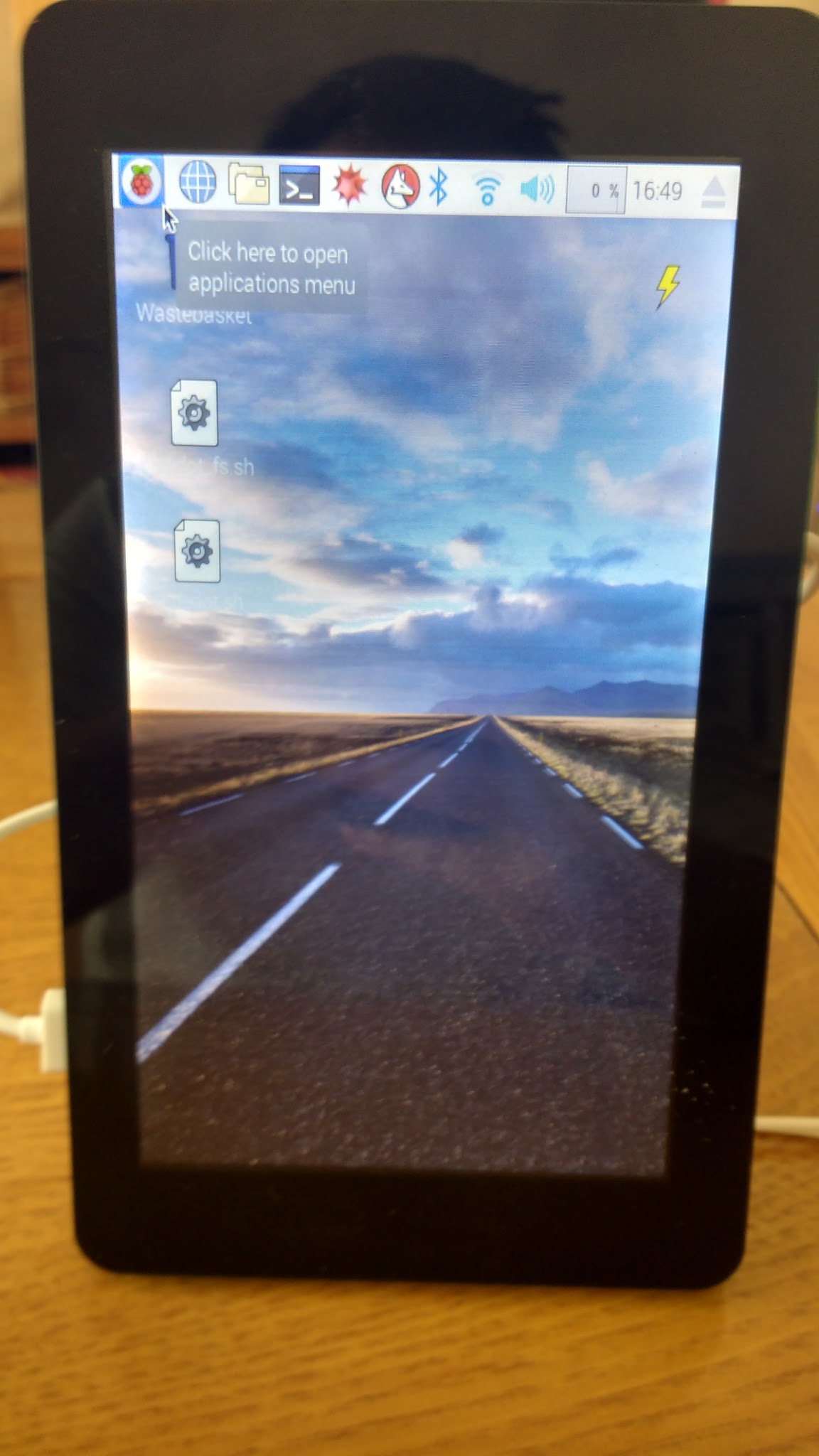
Turning the display is relatively easy but making the touch work is more difficult - there was a set of instructions on the Raspberry Pi forum, but a recent update to Jessie meant they no longer worked, so I pulled this set of instructions together:
Install xinput:
sudo apt-get install xinput
Rotate the display by editing config.txt:
sudo nano /boot/config.txt
.. add this to the buttom of the file:
display_rotate=1
Use Ctrl X, Yes to Save Create a script to rotate the touchscreen:
nano /home/pi/touch_rotate.sh
.. add the following command
xinput --set-prop 'FT5406 memory based driver' 'Coordinate Transformation Matrix' 0 1 0 -1 0 1 0 0 1
Make the script executable:
chmod +x touch_rotate.sh
Make the script run when the GUI starts by editing autostart:
sudo nano ~/.config/lxsession/LXDE-pi/autostart
.. add this to the bottom to run your script
@/home/pi/touch_rotate.sh
Reboot:
sudo reboot