Slack command line stream
I thought a Slack console might be useful, a very simple client I could display on an always on screen, so I did some experimenting with the Slack Developer Kit for Python and made a super simple command line program which streams messages.
It is most definitely a starting point rather than a finished solution, but someone might find it useful.
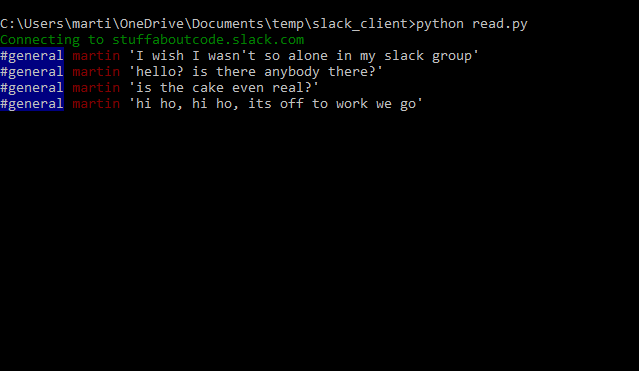
Setup (assuming you are using a Raspberry Pi / Linux computer, although it will work on Windows as well).
-
Generate a security token for the slack group you want to stream.
-
Create an environment variable SLACK_API_TOKEN and put your security token in it.
Edit /etc/profile adding the export to the bottom:
sudo nano /etc/profile
export SLACK_API_TOKEN=[my super long token]
- Install slackclient and colorama using pip:
sudo pip3 install colorama
sudo pip3 install slackclient
- Download the slack_stream.py from gist:
wget https://gist.githubusercontent.com/martinohanlon/477b6ea4c3bdc679ddff92dfc3bff4a7/raw/8ec39d08a9501b25d381ac3b008e9cf7be92377a/slack_streamer.py
- Run it:
python3 slack_streamer.py