Minecraft, a Microbit and an X-Wing
I was having a chat with David Whale, my co-author of Adventures in Minecraft and he remarked that wouldn’t it be cool if you could control something in Minecraft using the Microbit. (Btw - you should definitely check out David’s virtual Minecraft Microbit.)
I settled on the idea of using the Microbit’s accelerometer to control an object flying through Minecraft. What object, well it had to be the X-Wing, from my previous Minecraft - Star Wars project.
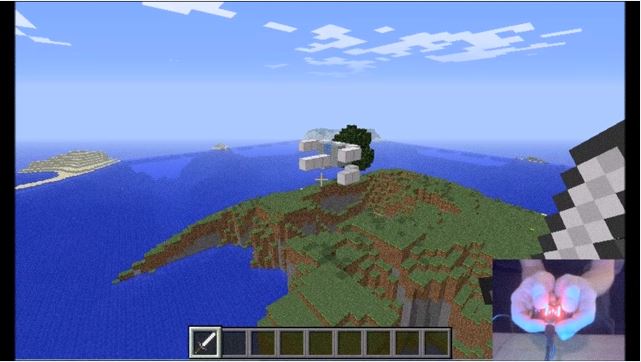
The A button starts and stops the X-Wing, by tilting the Microbit left and right you can turn and the B button drops blocks of TNT which create craters where they land.
There are 2 python programs:
- microbitreaddata.py - this runs on the Microbit and reads the status of the buttons and accelerometer
- mcfly.py - this runs on your computer (I used a Windows PC running Raspberry Juice and full Minecraft, but it would work on a Raspberry Pi as well) which reads the data from the Microbit and makes all the calls to move the X-Wing in Minecraft.
You will find the full code and my other Microbit MicroPython examples at github.com/martinohanlon/microbit-micropython.