Pocket PiGRRL - adding a mute
I recently made myself a Pocket PiGRRL based on Adafruit’s tutorial - it really is a great machine and a brilliant learning experience.
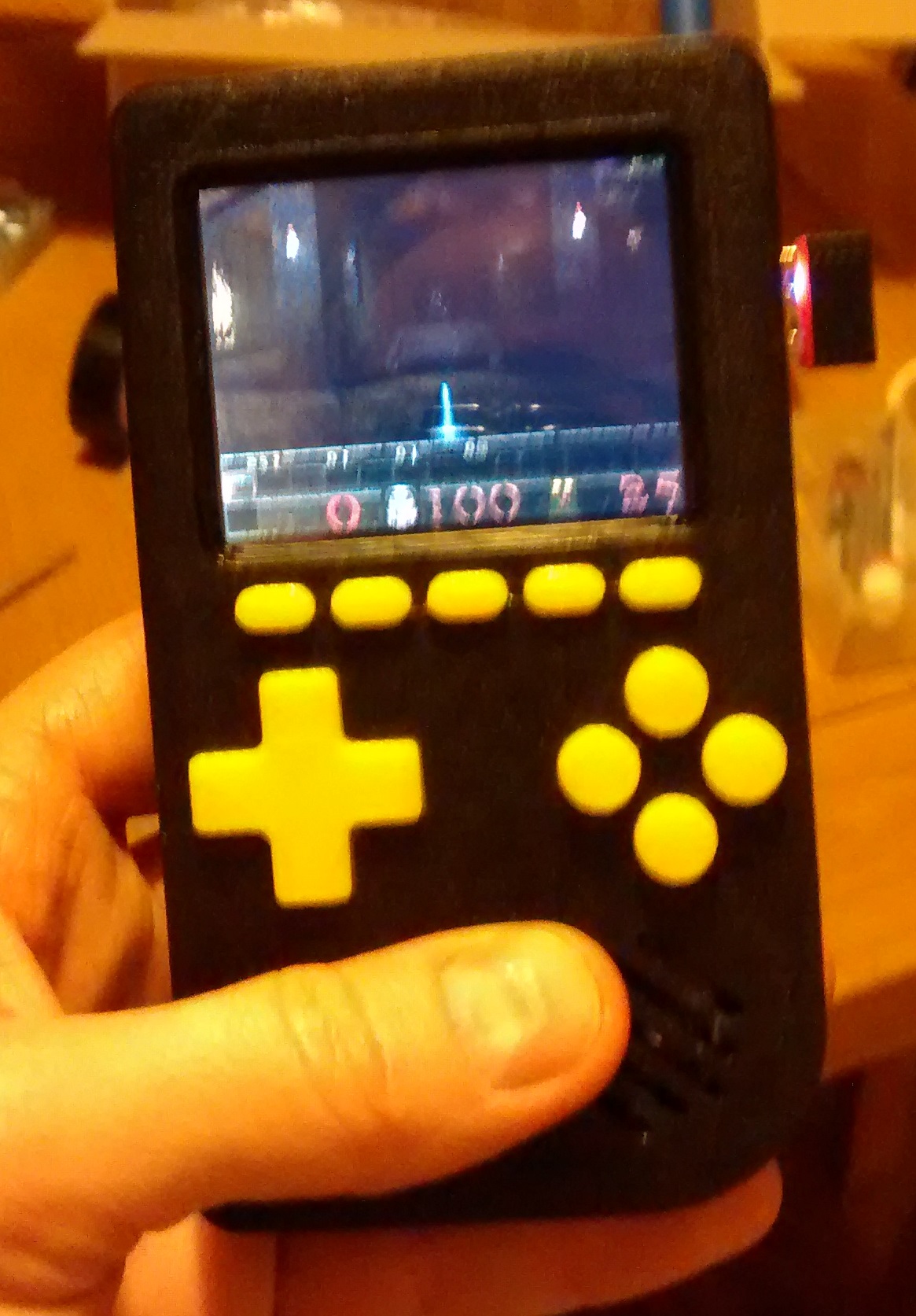
There was one aspect though that I didn’t like, the speaker hisses, not particularly loud and when your playing a game its not that noticeable but if you have got the volume down it is really annoying. Its all down the Raspberry Pi’s noisy analogue audio out so there isn’t a great deal you can do to clean it up.
My solution was to add the ability to shutdown the amp, effectively muting it when I didn’t want any sound.
The PAM8302A amp breakout board has a shutdown (SD) pin which when a ground (logic zero) is connected it puts the amp into idle mode, muting the amp and reducing power consumption.
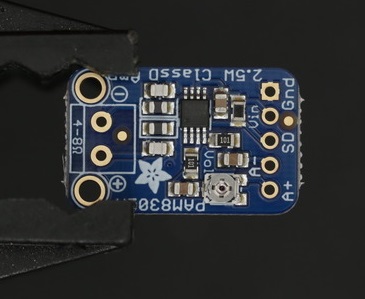
I soldered a piece of wire between GPIO 26 on the bottom of the A+ and the shutdown pin on the PAM8302A ampl.
Note - a few people have noted in the comments that on other models of PiGrrl (such as the Pi Grrl 2) GPIO 26 is already used and have suggested changing this to GPIO 7.
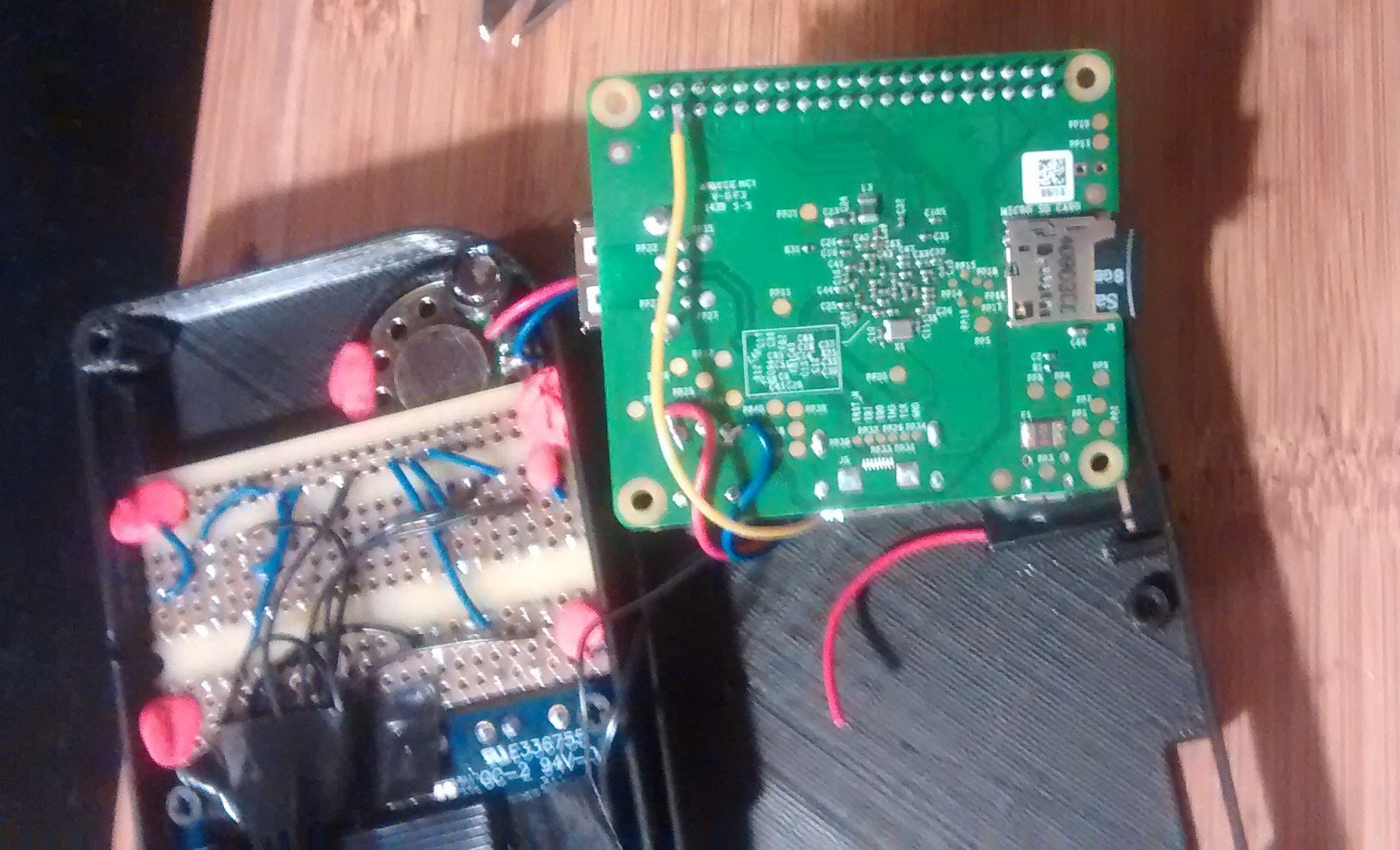
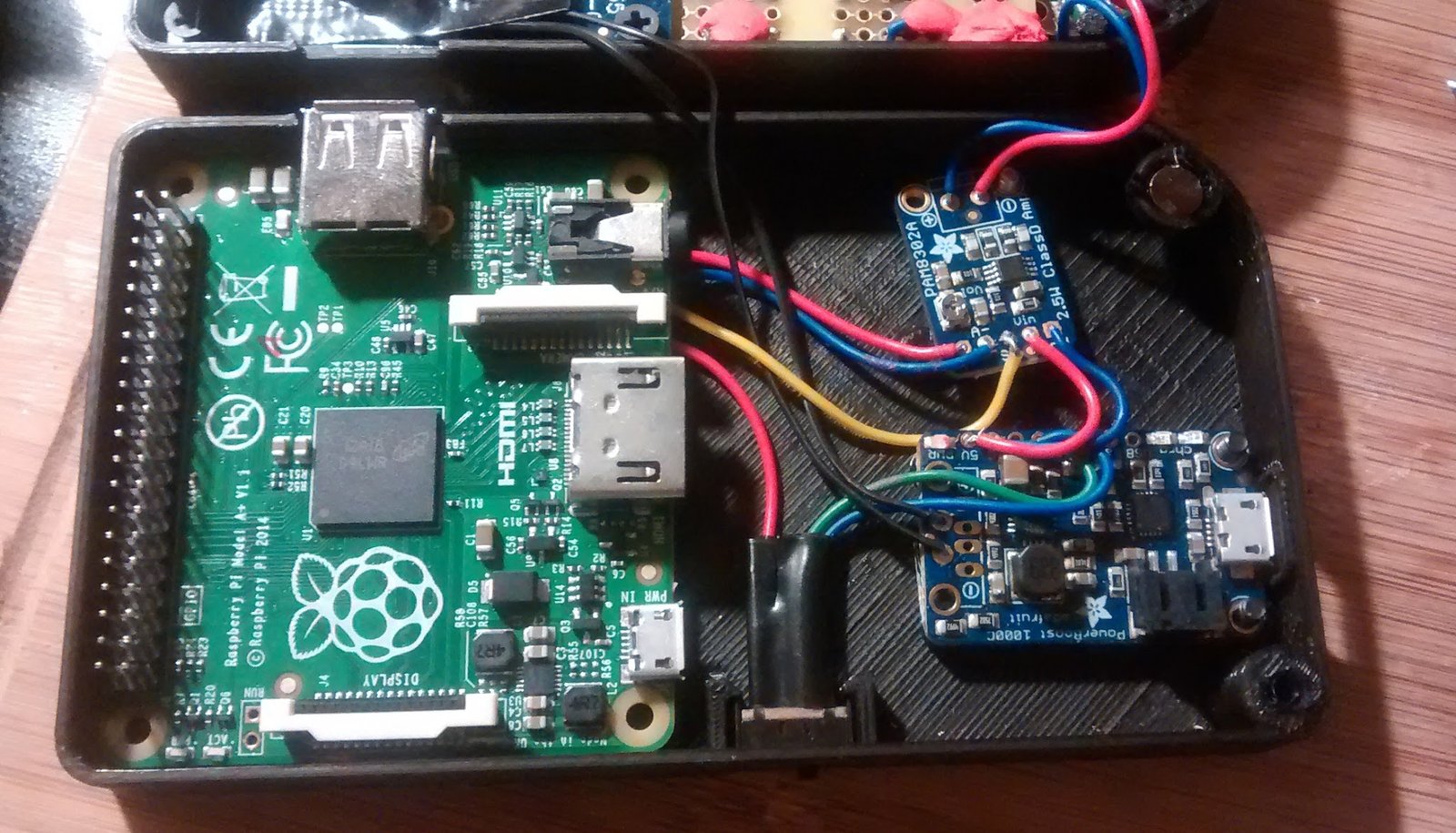
This gave me a way of triggering the shutdown pin next I needed some software and a way of running it.
Using this tutorial as the basis I added an ‘Apps’ tab to emulation station where I could run 2 scripts to mute and unmute the amp.
If you want to configure your Pocket PiGRRL to do the same, you can follow the instructions below.
Download and install wiring pi The software uses wiringpi’s gpio command line utility, so download and install it.
Configure emulation station Copy the emulation station default settings file to the pi user’s emulation station configuration:
cp /etc/emulationstation/es_systems.cfg ~/.emulationstation/
Add the ‘apps’ tab to the settings file:
nano ~/.emulationstation/es_systems.cfg
Scroll down to the bottom and add the following before the </systemList> text:
  <system>
    <fullname>Applications</fullname>
    <name>Apps</name>
    <path>~/RetroPie/roms/apps</path>
    <extension>.sh .SH .py .PY</extension>
    <command>%ROM%</command>
    <platform>apps</platform>
    <theme>esconfig</theme>
  </system>
Save and exit using Ctrl X.
Make a directory in roms to hold the scripts:
mkdir ~/RetroPie/roms/apps
Create a script to mute the amp by setting GPIO 26 to low (0):
nano ~/RetroPie/roms/apps/mute_amp.sh

gpio -g mode 26 out
gpio -g write 26 0
And an unmute script:
nano ~/RetroPie/roms/apps/unmute_amp.sh

gpio -g mode 26 out
gpio -g write 26 1
Make the scripts executable:
chmod +x ~/RetroPie/roms/apps/mute_amp.sh
chmod +x ~/RetroPie/roms/apps/unmute_amp.sh
You can now test the scripts by running them:
~/RetroPie/roms/apps/mute_amp.sh
~/RetroPie/roms/apps/unmute_amp.sh
Reboot and the Apps tab will appear in emulation station with 2 options to mute and unmute the amp.
I wanted the amp to be muted by default, so I added the script to be run at boot by editing /etc/rc.local:
sudo nano /etc/rc.local
Scroll down and add the unmute command under ‘/usr/local/bin/retrogame &’ but before ‘exit 0’:
/home/pi/RetroPie/roms/apps/mute_amp.sh &