Raspberry Pi - Minecraft Cannon
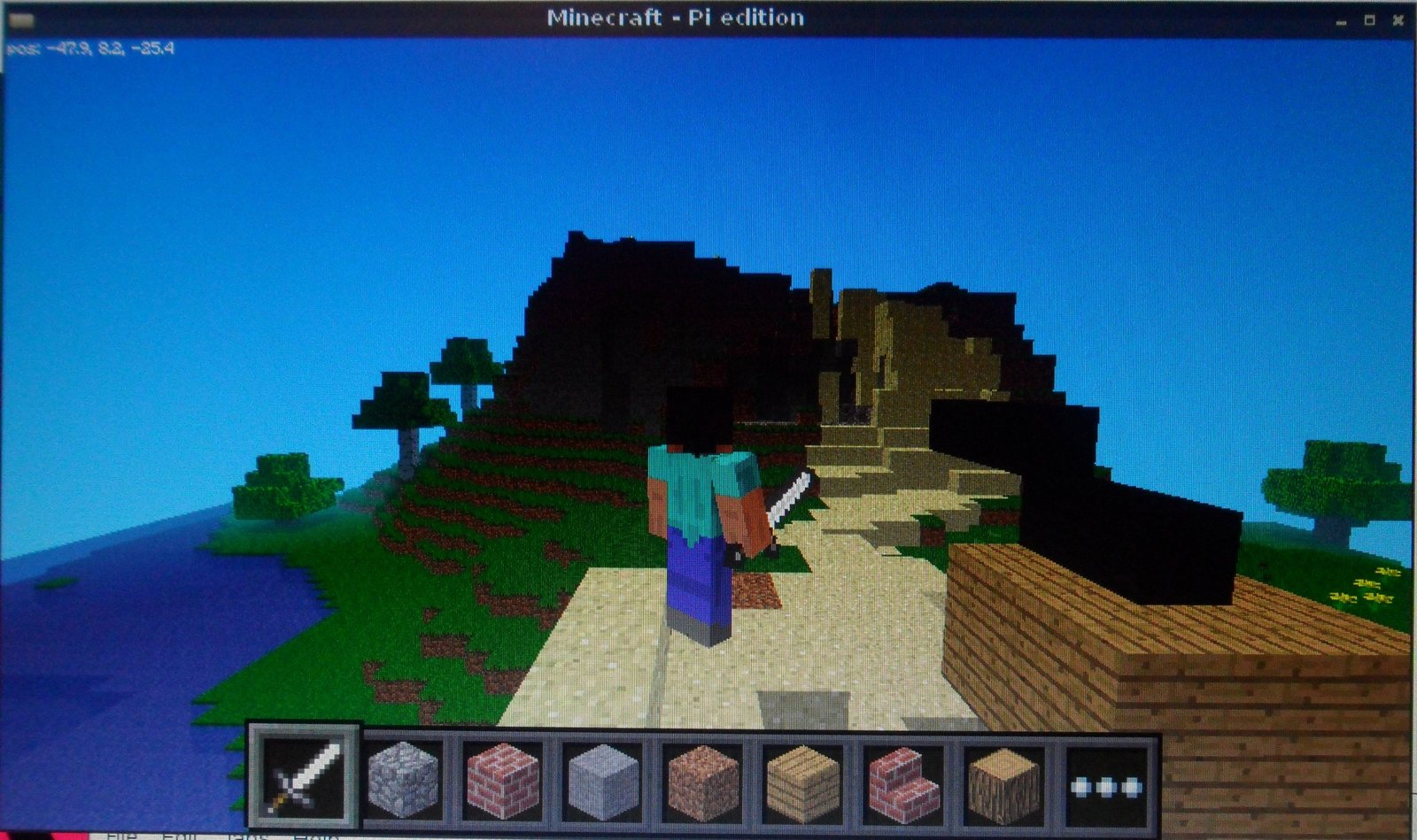 I had this idea about using Minecraft: Pi Edition and its API to show how trigonometry, mechanics and mathematics can actually be useful and given that everyone likes to blow stuff up…. I thought I would make a cannon.
A cannon which could point in any direction (0-360 degrees), angle upwards (0-90 degrees) and when fired would send a cannon ball upwards, falling in-line with the laws of gravity and then explode when it hit the ground.
http://youtu.be/6NHorP5VuYQ
I liked the idea of a command line interface, its a cannon after all they are not meant to be hi-tech devices, to control the cannon you use the following commands:
- start - create [start-up] the cannon
- rotate [0-360 degress] - rotate the cannon
- tilt [0-90 degress] - tilt the cannon upwards
- fire - FIRE!
- exit - exit and clear the cannon
The code contains 4 classes written in Python:
- CannonCommands - used to control the command line interface, based on python’s cmd module
- MinecraftDrawing - a generic class I’m building up which supports many generic drawing functions (drawLine, drawFace, drawSphere, etc)
- MinecraftCannon - a class which controls the building and changing of the cannon base and its gun, this contains all the code required to ‘point’ the gun to a specific point on the a sphere based on the direction and tilt angles
- MinecraftBullet - a class which controls the flight of the bullet through the air and its eventual explosion, including the maths to manage general mechanics of velocity and gravity
Download and run
You can download the code direct from github
, https://github.com/martinohanlon/minecraft-cannon, so run minecraft, open/create a world and follow the instructions:
sudo apt-get install git-core
cd ~
git clone https://github.com/martinohanlon/minecraft-cannon.git
cd minecraft-cannon
python minecraft-cannon.py